
Understand Today
See who is in, who is still due and who is off today.
Checked against Meadow on 2026-10-12
Today is the starting point for staff. It brings together the setting’s children and rooms for the current day.
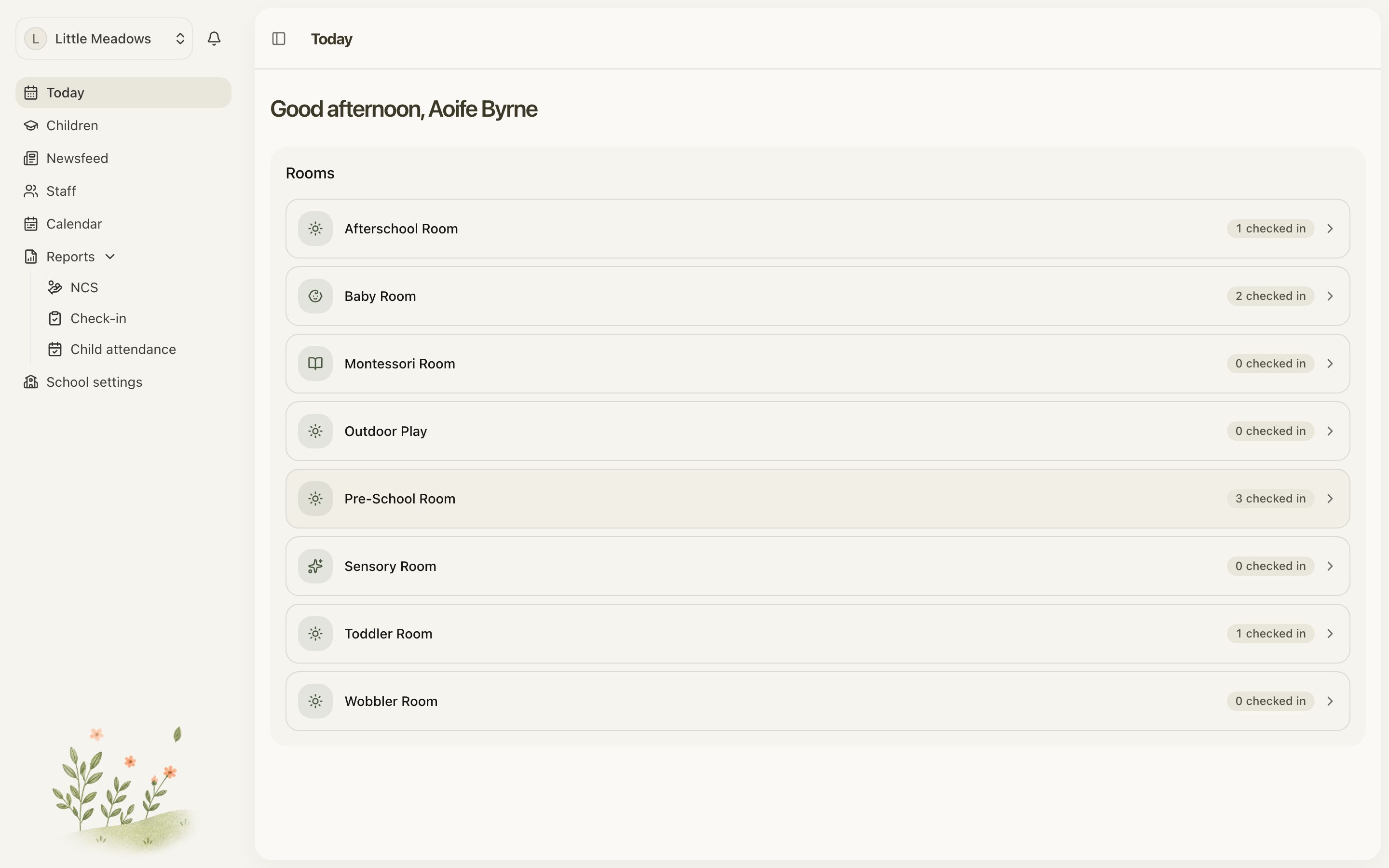
Open the full-size screenshot. Use your browser’s Back button to return to this guide.
Read the totals
- Checked in: children currently recorded as present.
- Expected: scheduled children still due to arrive, excluding those marked absent and those already in. A child who has left may be expected back for a later part of their day.
- Off today: children shown as off for the day.
- Staff in: staff with recorded attendance. Allocating a staff member to a room does not check them in.
Open a room to see the children and staff relevant to it. A child is expected in the room where their next part of the day starts.
If the numbers look wrong
For a child who is missing from Expected, check their status, schedule dates, term dates, any one-off day and any recorded absence. Also check whether the setting is closed.
For a child shown as Checked in after leaving, record or correct their check-out. Changing their schedule will not close their attendance record.
For a staff member missing from Staff in, check whether they have recorded a check-in. Their allocated room and working schedule describe where they belong and when they are due; neither records arrival.
Next: Check children in and out.