
Use the calendar and invite families to events
See important dates and ask families whether they are coming.
Checked against Meadow on 2026-10-12
Calendar is available to staff and families. The entries someone sees depend on their role, linked children and each event’s audience.
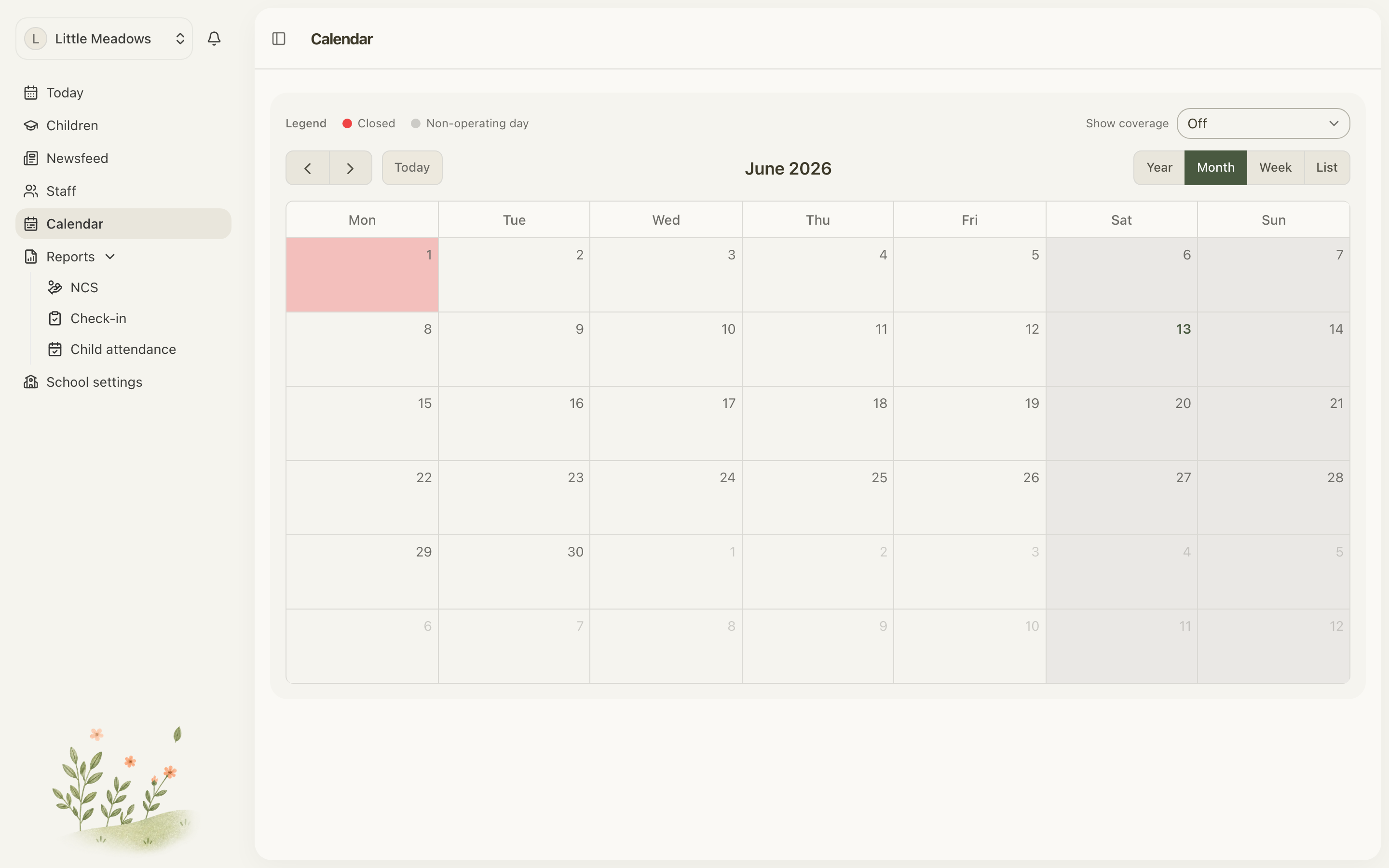
Open the full-size screenshot. Use your browser’s Back button to return to this guide.
Find a date
Use Agenda for the selected day and upcoming entries, or Month grid for a wider view. Use Show to control the available calendar layers.
The calendar can include closure days, term holidays, absences and events. An event is information about something happening; it does not change a child’s scheduled hours or check them in.
Add an event
Owners and managers can select Add event.
- Give it a clear title and useful details, such as where to meet or what to bring.
- Set the dates. Leave it as All day, or enter start and end times.
- Choose Who it is for and whether it reaches families, staff or both.
- Review the notification information shown.
- Select Save event and check it on the calendar.
An event spanning several days with times is one continuous block from its first start to its last end. It is not a repeating daily appointment.
Ask for an RSVP
For an event that reaches families, turn on Ask families to RSVP and set Respond by. Check the actual deadline date shown before saving.
Parents can answer Yes or No. If coming, they enter the number of adults and children. The response covers their household’s attendance; they do not submit the same headcount once for each sibling.
Open the event to review replies and families who have not answered. No parent can reply means there is no parent account able to respond for that child. A family who answered No has replied and should not be chased as missing.
For a whole-setting closure, use Closure days.