
Set opening hours and closure days
Keep the setting’s usual week and exceptional closed days accurate.
Checked against Meadow on 2026-10-12
Owners and managers set these under School settings. Opening dates apply to the whole setting, while term dates belong to the terms a schedule follows.
Set the usual week
- Open School settings → Opening hours.
- Set which weekdays the setting opens and the opening and closing times.
- Check the date from which the change applies.
- Save and review the affected dates in Calendar and Schedules.
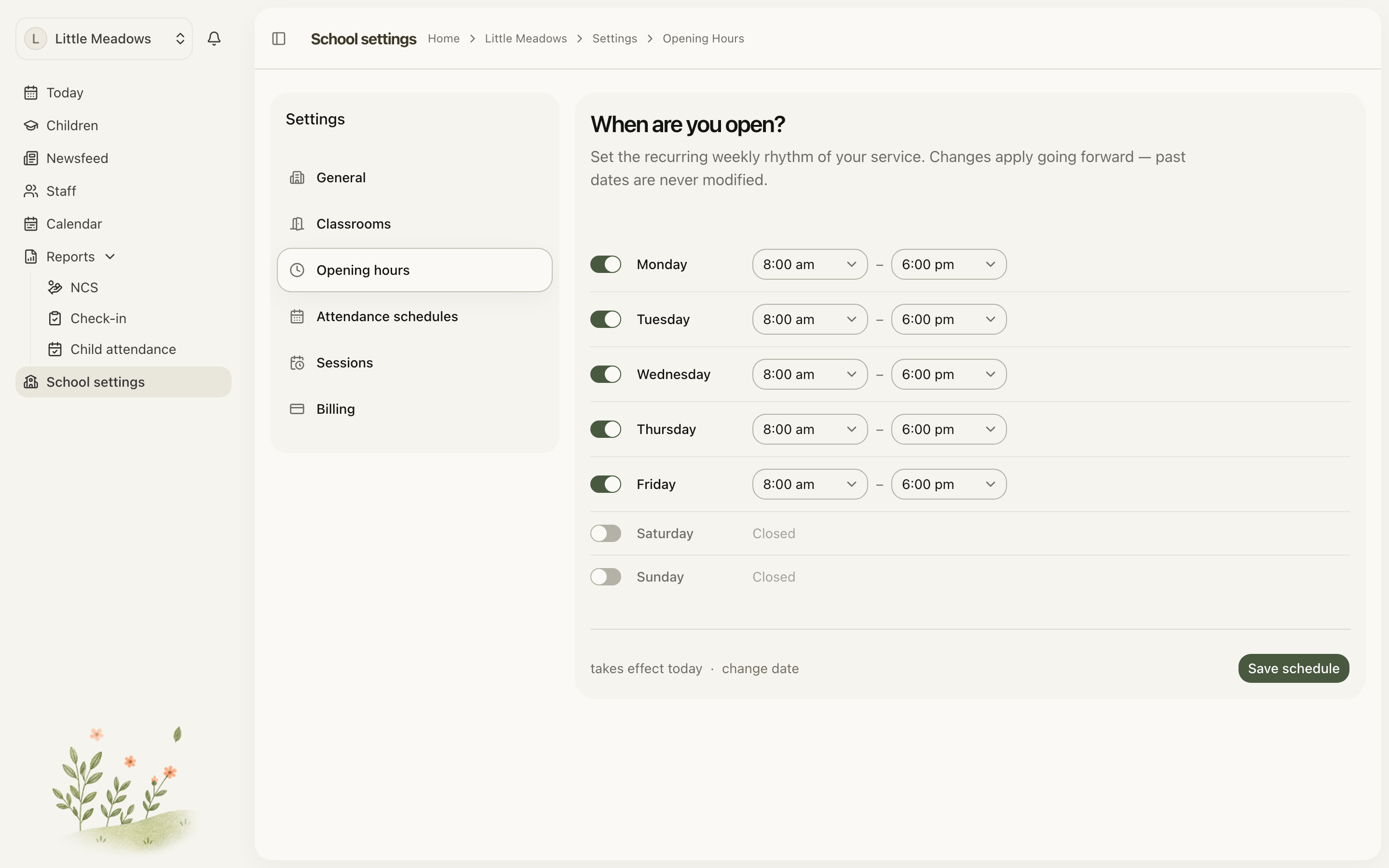
Open the full-size screenshot. Use your browser’s Back button to return to this guide.
A weekday on which you never open is a non-operating day. You do not need a separate closure for every Saturday or Sunday.
Add a closure
Open School settings → Closure days and add the date or range when the whole setting will be shut. Give it a useful reason and review any funding-related classification and notification choices the form presents before saving.
Check bank holidays already shown in the calendar before adding another entry for the same date. Review the final calendar so the team and families see the intended dates.
Open an exceptional day
Use the available open override for a day the setting would otherwise be closed. The calendar labels this Open (override). Opening the setting does not create hours for every child; add the relevant schedules or one-off days as well.
School holidays and personal holidays
A school’s holiday belongs in Schedules → Term dates. The child’s schedule then decides whether they attend during it. A child’s personal holiday belongs in absences.
For a training day when the setting is closed to children but staff work, check the staff arrangements and use an appropriate one-off working day.