
Choose parent attendance permissions
Decide whether parents can record arrivals, departures and absences.
Checked against Meadow on 2026-10-12
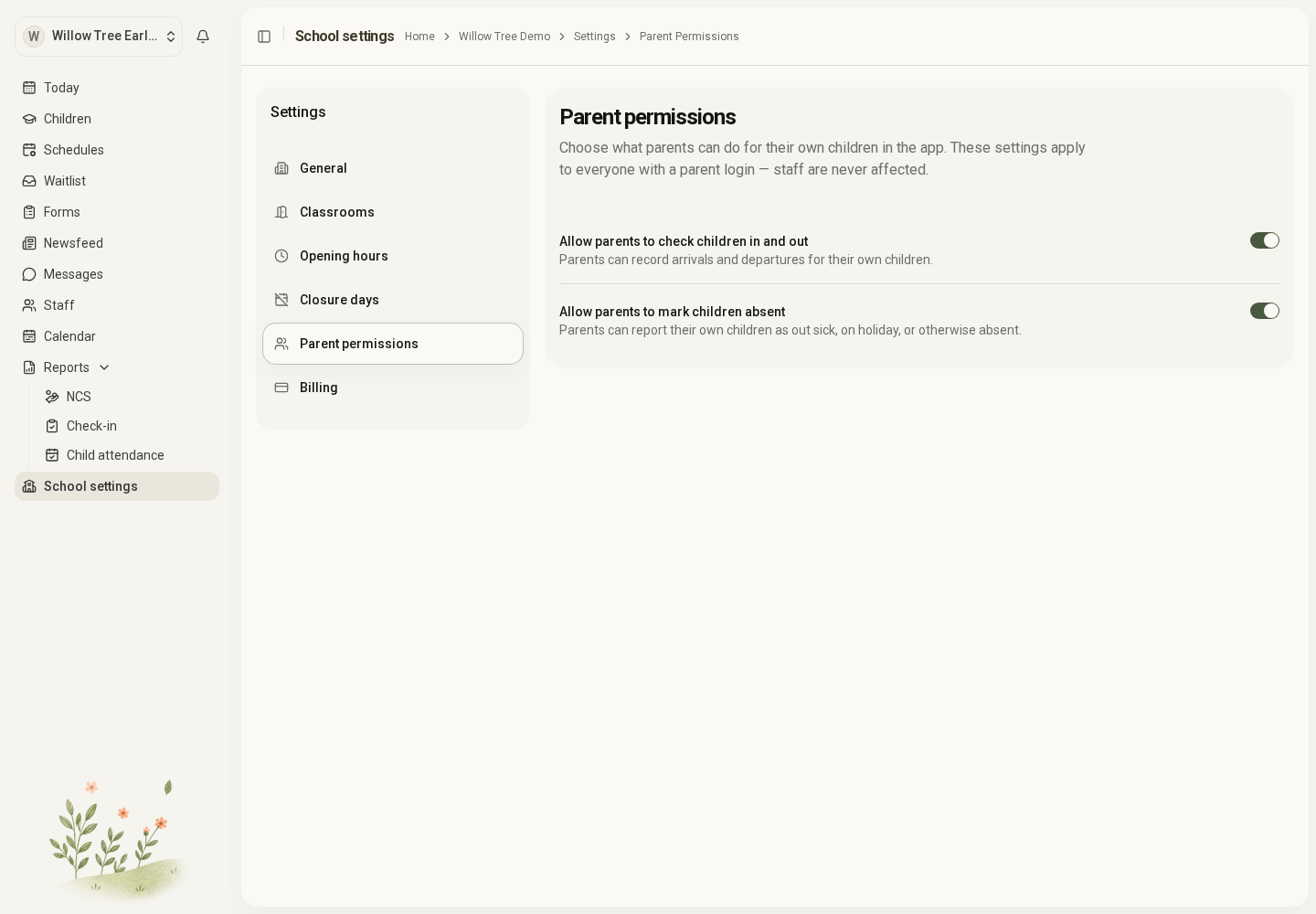
Owners and managers set these options under School settings → Parent permissions. They apply to parent logins for their own children; staff actions are unaffected.
Open the full-size screenshot. Use your browser’s Back button to return to this guide.
Choose what parents can record
- Allow parents to check children in and out lets parents record arrivals and departures for their linked children.
- Allow parents to mark children absent lets parents report sickness, a personal holiday or another absence.
Check each setting matches how your team manages the day. If parents report attendance, agree who checks and corrects the records.
These switches control attendance actions. A person’s role and contact links still determine their other access; they do not turn family members into staff or give parents access to other children.
If a parent cannot see an action
Check the setting, the person’s Parent role, their contact link and the relevant switch. A person invited as Family has different access. Do not change them to a staff role to reveal the button.
Share Report attendance as a parent with families when introducing the feature.