
Set ECCE and school term dates
Keep the dates that schedules follow in one place.
Checked against Meadow on 2026-10-12
Open Schedules → Term dates. Owners and managers manage the setting’s ECCE terms and the terms of schools children attend outside the setting.
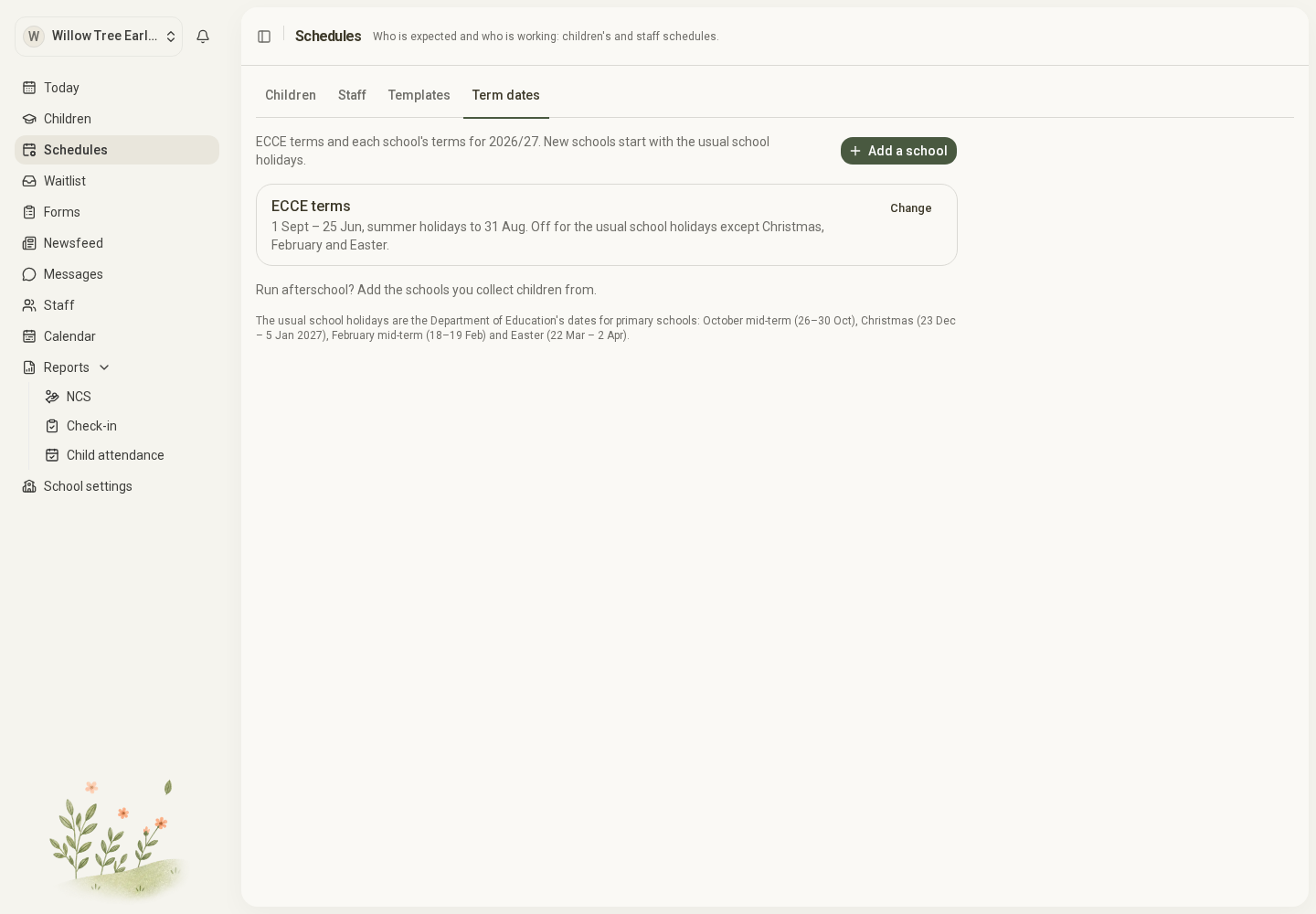
Open the full-size screenshot. Use your browser’s Back button to return to this guide.
Set the dates
- Choose the school year, such as 2026/27.
- Use Change for ECCE terms or an existing school. Select Add a school for a new school.
- Enter the first and last days of term and check the last day of summer holidays.
- Review the holidays within the year. Add, change or remove dates to match the actual terms.
- Save, then check a child’s schedule that follows those terms.
New schools start with suggested usual primary-school holidays. These are a starting point to review. ECCE terms must match your setting’s actual ECCE dates; suggested school holidays are not a guarantee of the correct ECCE calendar.
What happens outside term time
Each schedule chooses whether the child attends as usual, does not attend, or uses different hours and rooms during the terms’ holidays. Set that choice in the schedule.
A school holiday does not close your setting. Put whole-setting closures under School settings → Closure days.
Missing or corrected dates
When a schedule follows terms but those terms do not cover a date, it stops scheduling the child for that date until the missing dates are added. Look for No term dates · not scheduled.
Changing term dates can change schedules for past dates too. Check the affected children and any reports you rely on after correcting them. Add the next year in good time so ongoing schedules continue.