
Share a newsfeed update
Publish an update for the right families and staff.
Checked against Meadow on 2026-10-12
Staff can create posts. Owners and managers can also manage other people’s posts and keep the setting’s post templates.
Create a post
- Open Newsfeed and select New post.
- Choose Send to and check the audience: the whole setting, rooms or selected children.
- Choose Post as: yourself, an available room or the setting.
- Write the update. Use the formatting toolbar for headings, lists, emphasis and links when they make it easier to read.
- Add photos or documents if needed. If clips are enabled for your setting, you can also attach a video.
- Choose whether to allow comments and reactions, then select Post.
- Check the published post and its attachments.
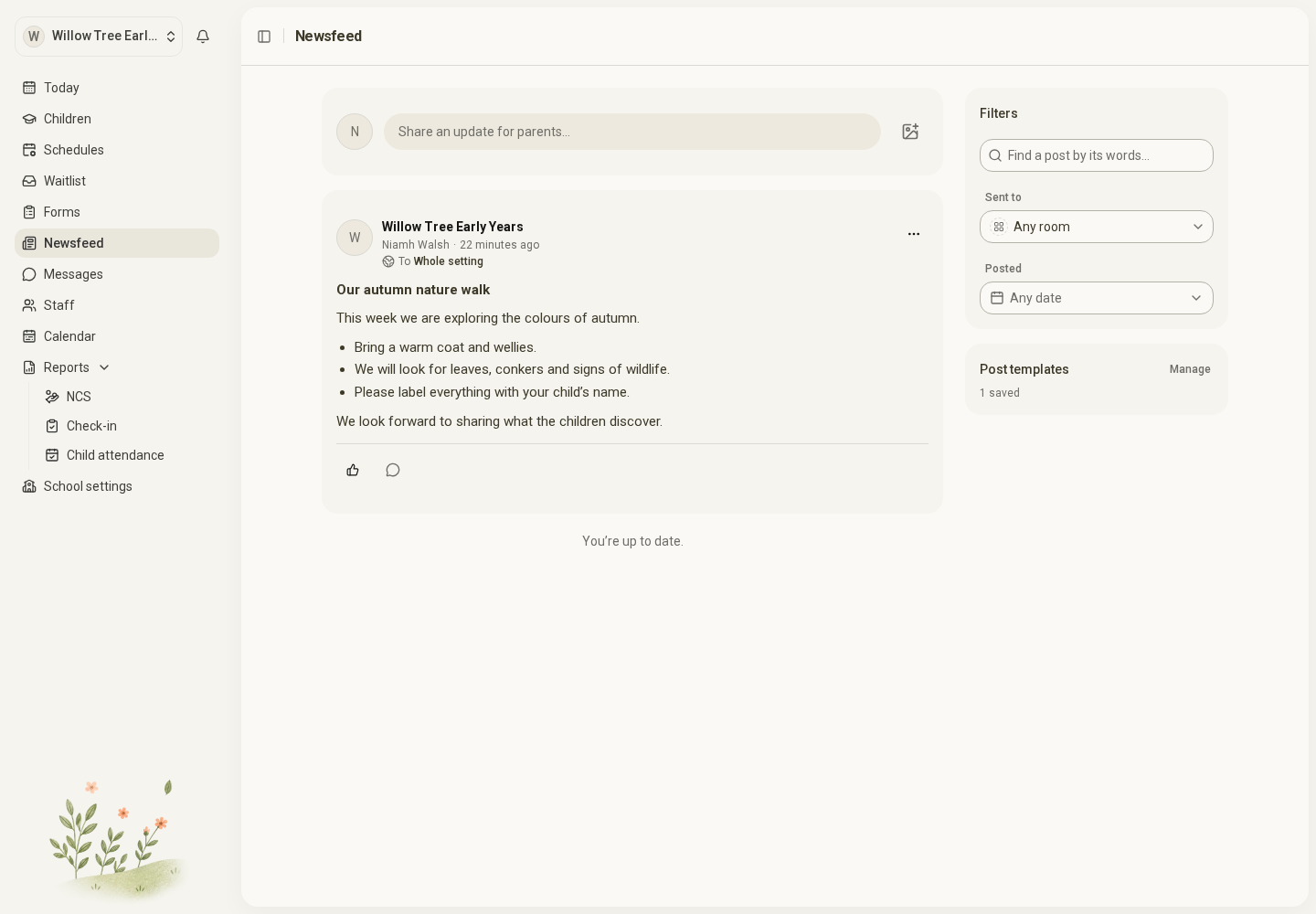
Open the full-size screenshot. Use your browser’s Back button to return to this guide.
Check the audience before publishing
A post’s audience is fixed when you publish it. Changing the words later does not let you retarget the post. If the audience was wrong, remove the post and publish a corrected one for the intended audience.
Choosing Post as changes the displayed author. It does not change who receives the post.
Attachments and uploads
Use Attach file for a PDF or Word .docx document, up to 15 MB. Old .doc files are not supported; save them as PDF or .docx first. For photos and clips, follow the file and quantity limits shown in the composer.
Wait for uploads to finish. If Meadow offers Retry, use it for the failed attachment. A video may show as processing after publication; the words and other attachments can already be visible.
If Meadow cannot confirm whether a post was published, check Newsfeed in another tab before trying again. Reposting immediately can create a duplicate.
Reuse common wording
Choose Start from template in a new post. Review and change the words, then choose the audience, displayed author and attachments for this post.
Owners and managers maintain these under Newsfeed → Post templates. Changing a post template does not change posts already published. A post template saves wording; a schedule template saves hours.