
Use a child’s profile
Find daily activity, personal details, schedules and family contacts.
Checked against Meadow on 2026-10-12
Open Children and select the child’s name. Their profile brings together the information your role allows you to see.
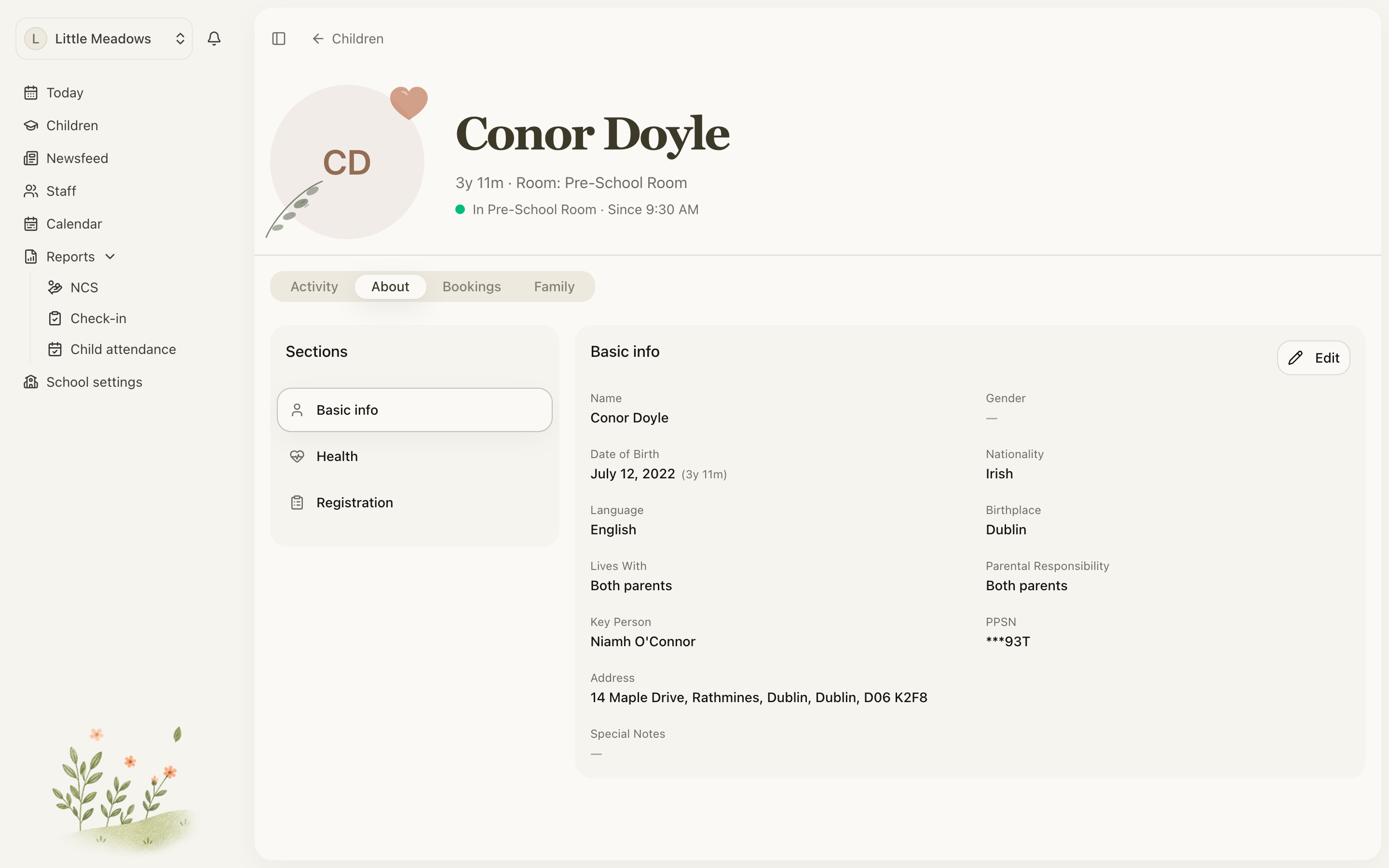
Open the full-size screenshot. Use your browser’s Back button to return to this guide.
Choose the right tab
- Activity shows saved activities, attendance and absences in date order. It opens as the child’s day-to-day view.
- About holds the child’s personal, health and other profile details. Staff with permission to edit child records and parents of linked children can select Edit in Basic info and Health. Parents should ask the office to correct registration details or other staff-only fields.
- Schedules shows their planned arrangements for owners and managers. It is not shown to parents or family.
- Family holds contacts, relationships, collection permissions and invitation details.
Parents can edit permitted details and manage contacts for their linked children. Their attendance actions also depend on the setting’s parent permissions. Family access is more limited.
Record something happening now
Use Quick actions to check in, check out, move room or record an activity. Check the child’s current status before choosing the action. Moving rooms records where they are now; it does not rewrite their usual schedule.
See Take attendance and Record daily activities.
When a child leaves
Use Record departure from the child’s available actions. Enter the leaving date and reason, then confirm. Check the date carefully: a future departure and a child who has already left are different states.
Keep the existing record for history. If the child returns, owners and managers can use Re-enroll in the departed child’s About tab instead of making a duplicate. If a planned departure was entered by mistake, use Cancel departure.
Why the timeline has changed
The activity timeline shows the current saved records. Editing an activity changes what appears there; deleting it removes it. It is not a history of every edit. Attendance corrections have their own record history in attendance reports.